How to make an X circle, step by step
Published By Filippo Pelloia
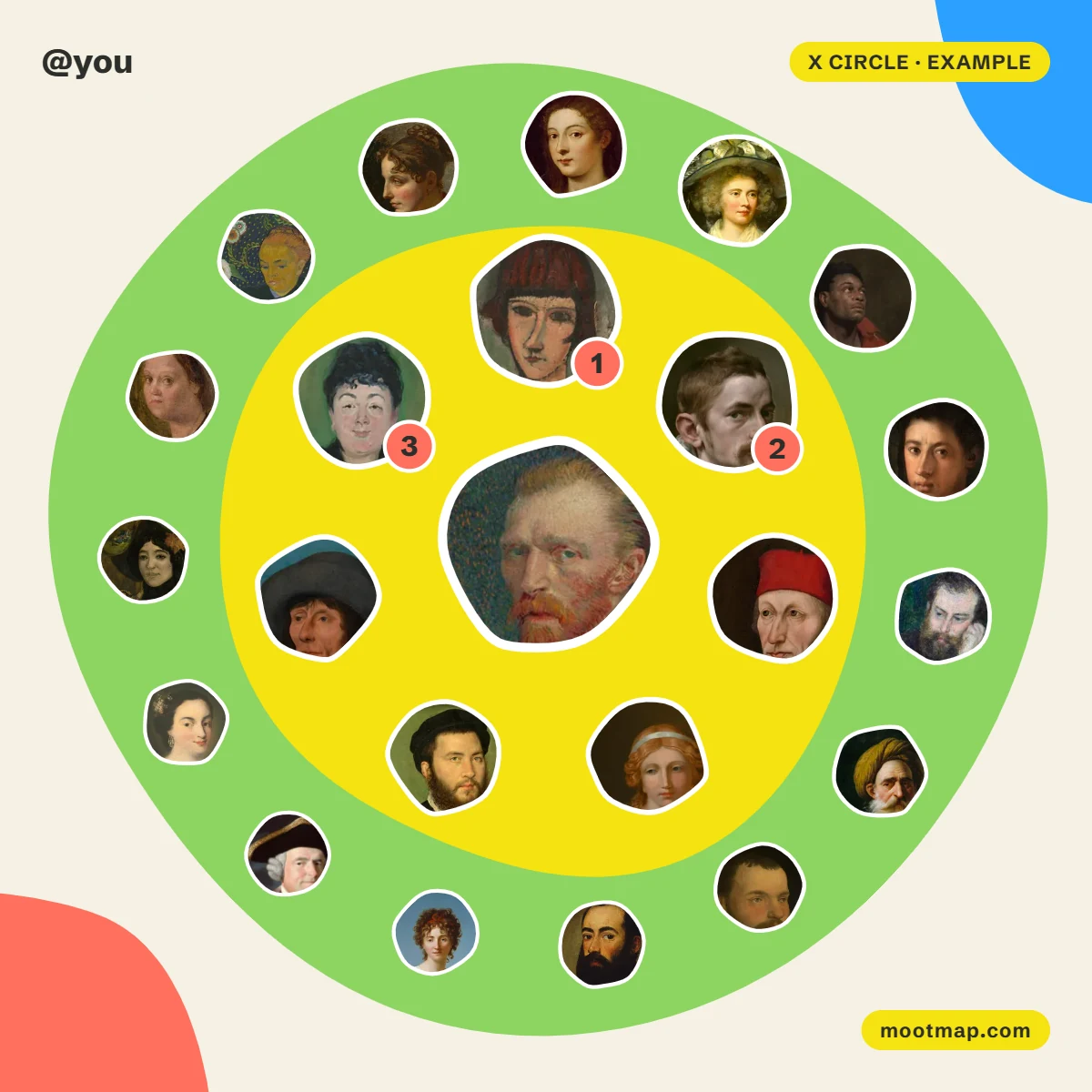
To make an X circle, open a circle generator that works from a username, type the name of a public account and press the button. The tool reads the account's recent public replies, quotes, mentions and reposts, ranks the people in them and draws them around the account. No login is needed, and the picture is ready in about half a minute.
The whole thing takes about a minute, and most of that is waiting. Here are the steps, what each button gives you, and how to get the picture into a post.
What you need
- A username. Yours or anyone's, as long as the account is public.
- A browser. On a phone or a computer. There is nothing to install.
- No login. You are never asked for an X password, and nothing is posted on your behalf.
How to make an X circle
- Open the generator. Go to the X Circle Generator. The picture you see at first is an example made of invented accounts.
- Type a username. With or without the @ in front.
- Press Draw my circle. Recent posts are read, the people in them are ranked, and the picture replaces the example. It takes about half a minute, and you can stop it while it runs.
- Choose how many people to show. 7, 22 or 50. The smallest keeps only the closest ring; the largest fills all three.
- Pick the colours. There are six colour maps, from a light one to a dark one. Switch Names on to write usernames on the picture, and Ranks to number everyone, not only the top three.
- Take the picture with you. Download it, copy it, post it, or copy a link to it. The buttons are explained below.
What each button gives you
| Button | What you get |
|---|---|
| Download PNG | The square picture, 1200 by 1200 pixels |
| Copy image | The same picture on your clipboard, ready to paste. Shown on computers |
| Post on X | A post with the text and a link ready, and the picture copied for you to paste |
| Post on Instagram | A vertical story picture, 1080 by 1920 pixels |
| Animate | A short video of the rings turning, recorded by your browser |
| Copy link | A link that opens the same picture, kept for 30 days |
How to post the picture on X
X does not let a website attach a picture to a post, so there is one step to do by hand. On a computer, Post on X copies the picture and opens X with the text already written: click in the post and paste. If your browser cannot copy pictures, the page tells you, and you attach the downloaded PNG instead.
On a phone the same button opens the share menu with the picture and the text together. Choose X from the list.
The video downloads as MP4 in Chrome and Safari. Some browsers can only record WebM, which X does not accept: the page says so when it happens.
Read what is under the picture
The picture is the part you share. The part worth reading is below it. Highlights names the top mutual, the biggest fan and a few habits of the account. Who is in it, and why is the full ranking, with the interactions counted in each direction, so you can see whether you talk with someone or only at them. Untick anyone you prefer not to show: they leave the picture and the next person moves in.
If the result is not what you expected
A circle counts public replies, quotes, mentions and reposts from the last few months. Likes, follows and direct messages are not in it. If someone is missing, these are the six usual reasons. If the page says the picture comes from the account's own posts only, the posts by other people could not be read that time: make it again later.
Common questions
Can I make an X circle without logging in?
Yes. A generator that reads public posts needs only a username: no X password, no authorisation screen, no browser extension.
Can I make a circle for an account that is not mine?
Yes, for any public account: a friend, a creator, a brand. Private accounts cannot be read, so they cannot have a circle.
How long does it take to make an X circle?
About half a minute. Most of that time is spent reading the account's recent posts and the posts that mention it.
Is it free?
Yes. Making the picture, downloading it and sharing it cost nothing. The site is paid for by advertising.
It is free and needs no login. Make your X circle and see who is closest to you.